
Estimated time: 5–10 minutes
1
Create your account
- Sign in / Sign up with Facebook, Google, or Email + Phone.
- Complete any verification steps if prompted.
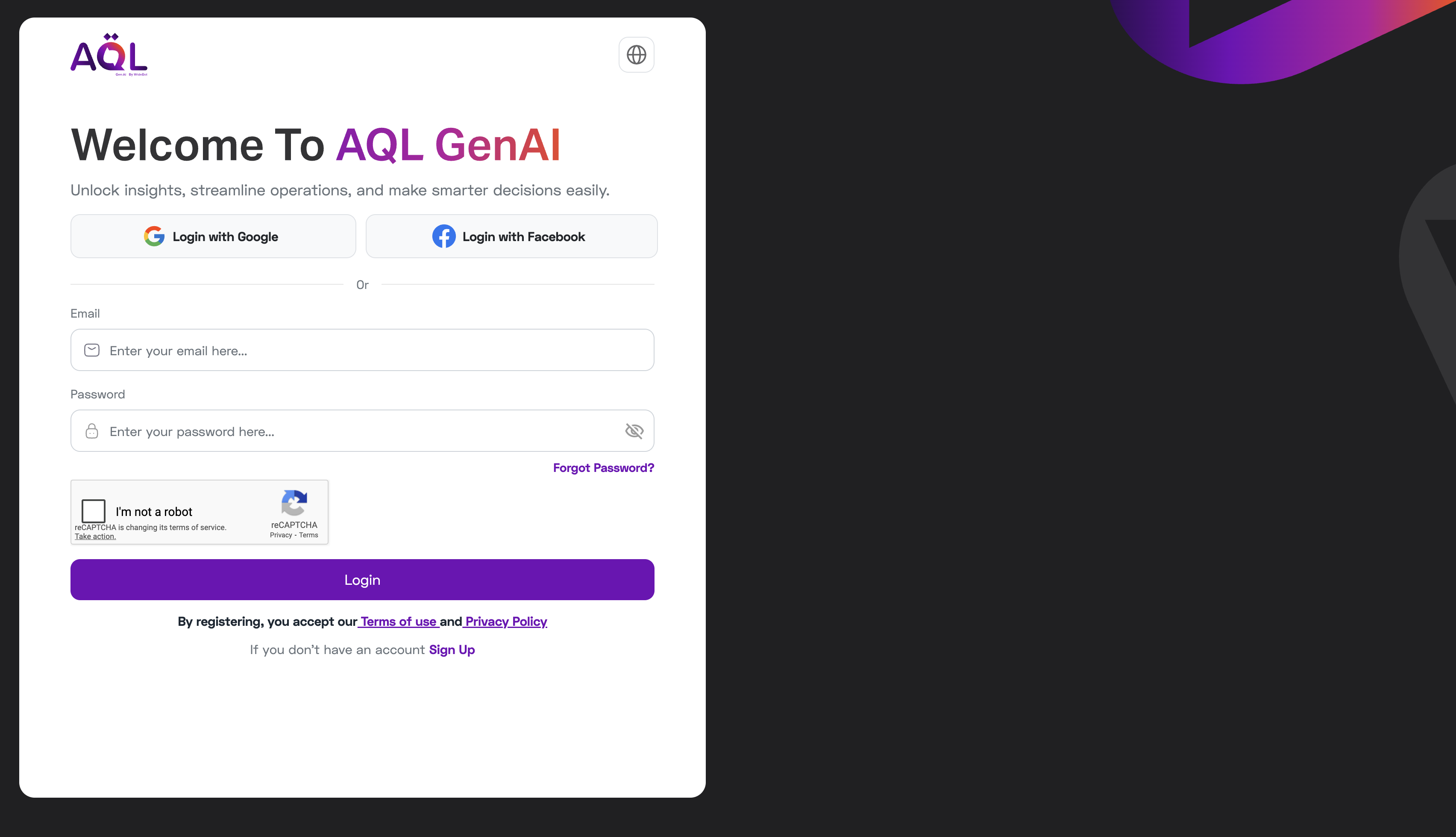
You can access the dashboard and see the Workspaces list.
2
Create your workspace
- On entry, you’ll see the option to Create a new workspace.
- Create a workspace and Start Free Trial or Buy Subscription.
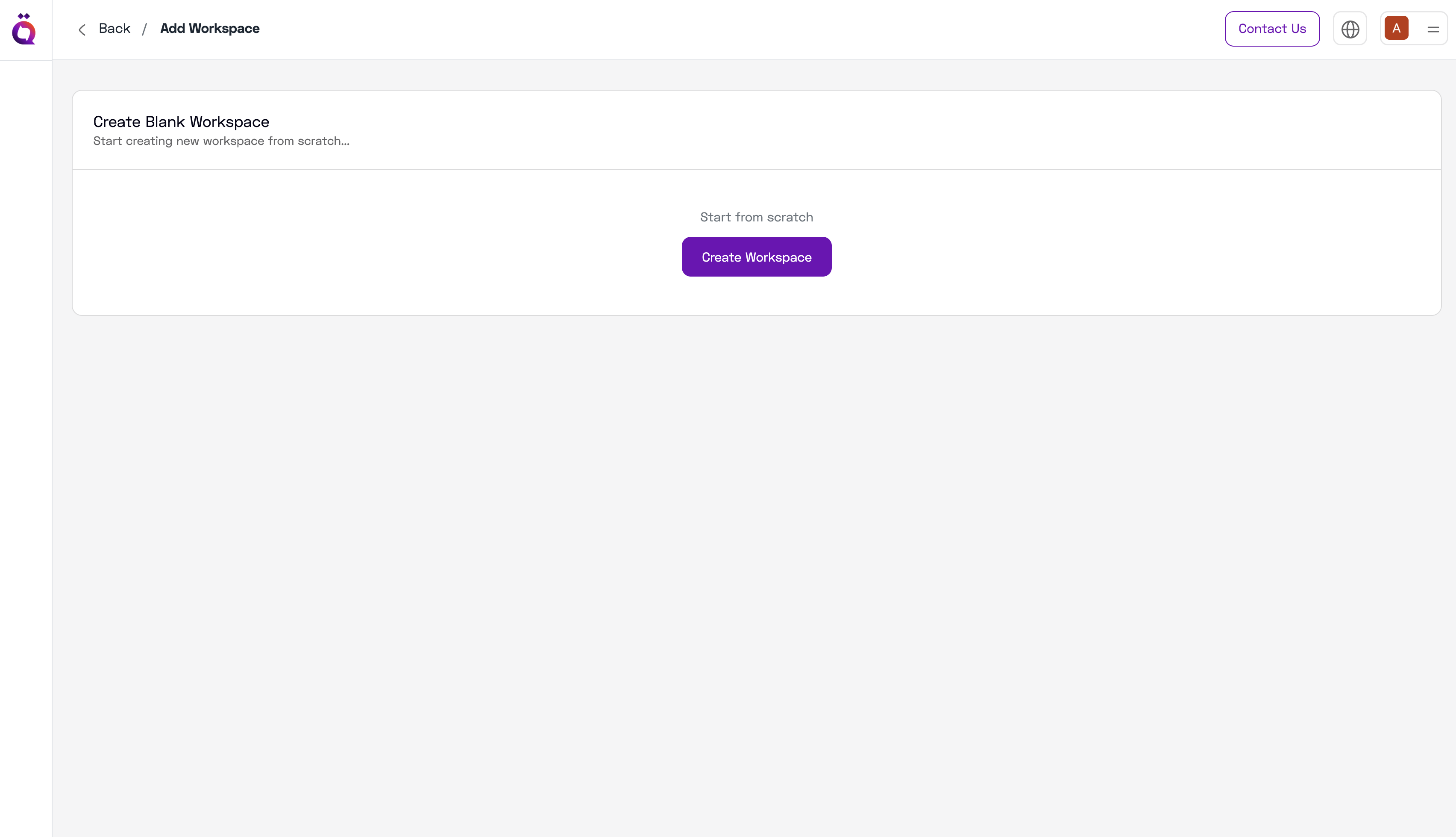
Trials include token limits suitable for initial evaluation.
3
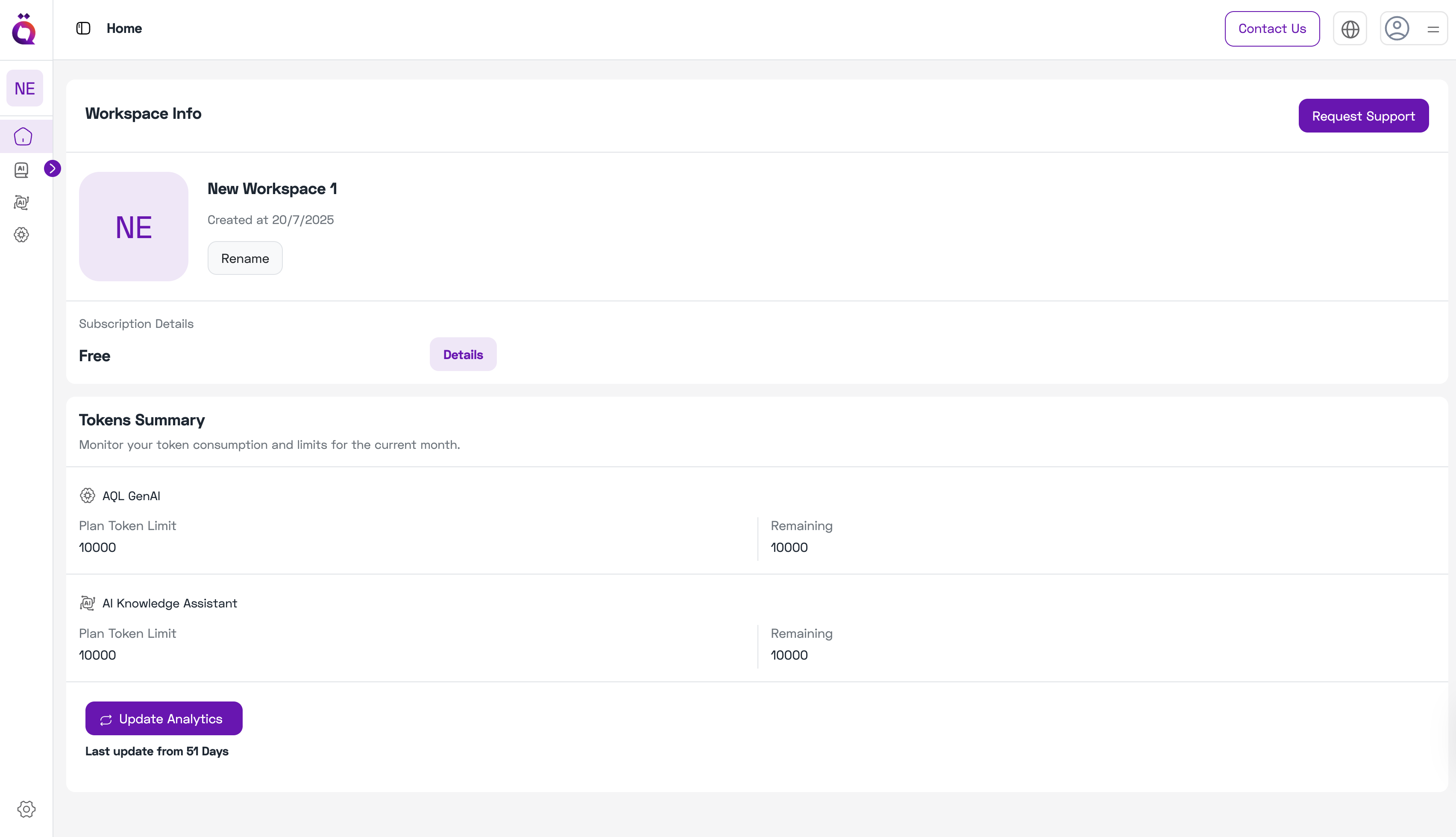
Tour the Workspace Home
- Workspace name at the top.
- Subscription details (plan & renewal).
- Tokens summary used by AQL GenAI and AI Knowledge Assistant.
4
Try the AI features (left sidebar)
- AI Knowledge: upload a few FAQs, index, then ask questions.
- AI Knowledge Assistant: ask a policy or product question; check citations.
- AQL GenAI: try a simple prompt and a streaming response.