

Accessing Your API Credentials
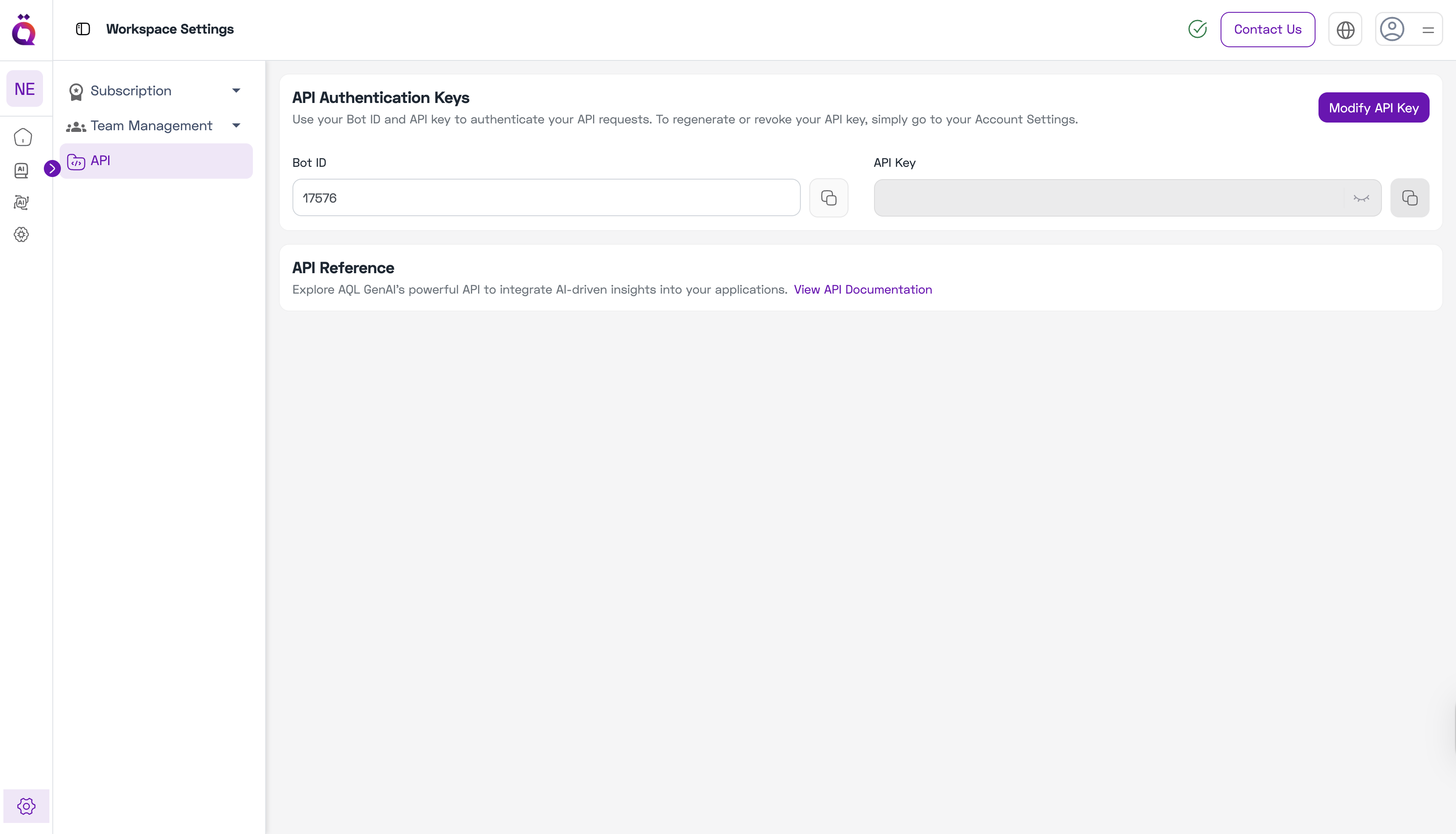
To use AQL’s AI APIs in your applications, you’ll need your Bot ID and API Key.Step 1: Navigate to APIs
- Go to Workspace Settings from the left sidebar.
- Click on APIs.
- You’ll see your Bot ID displayed.
Step 2: Generate or Modify API Key
- Click on Modify API button.
- You’ll be taken to the Account Settings page.
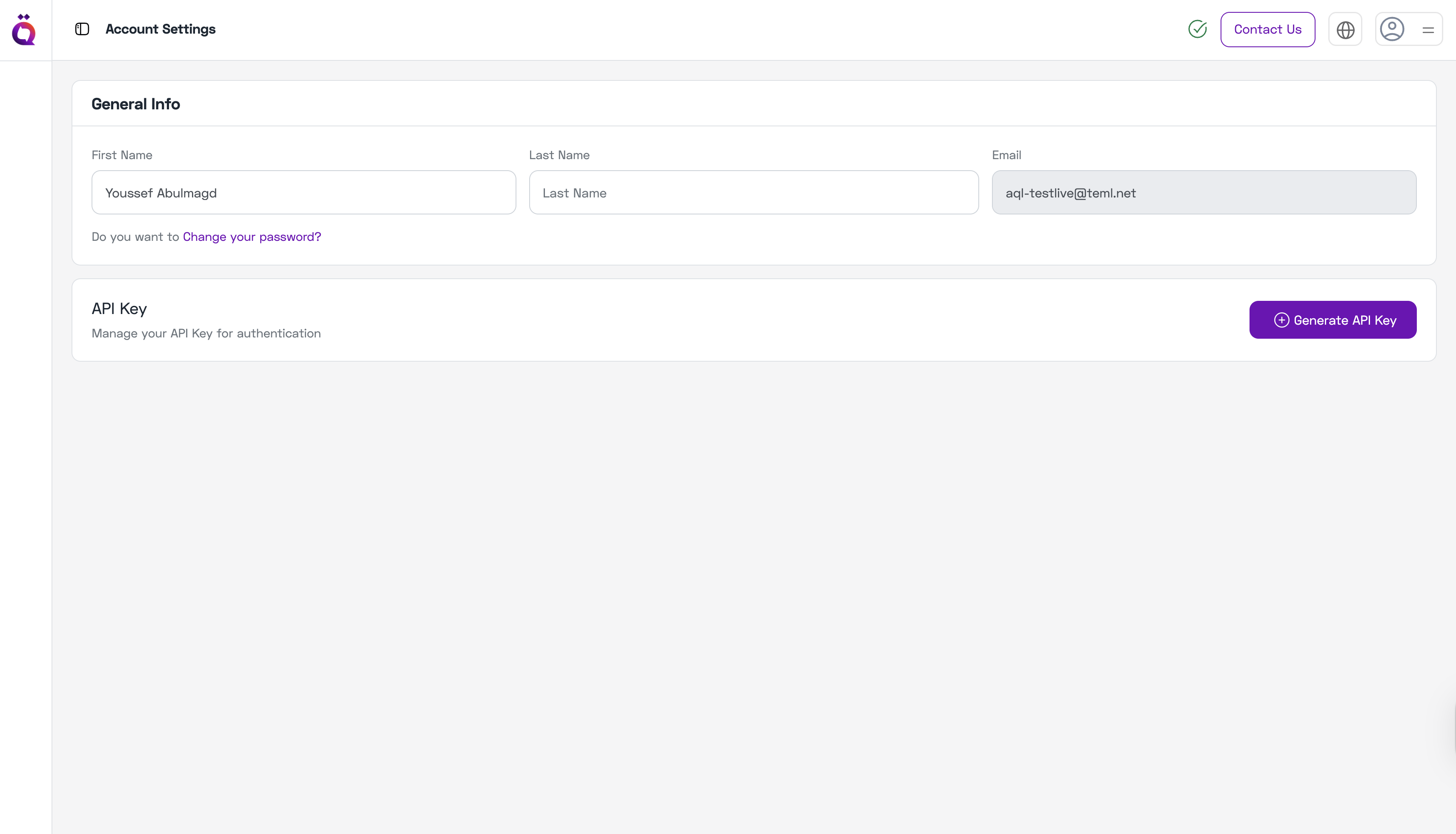
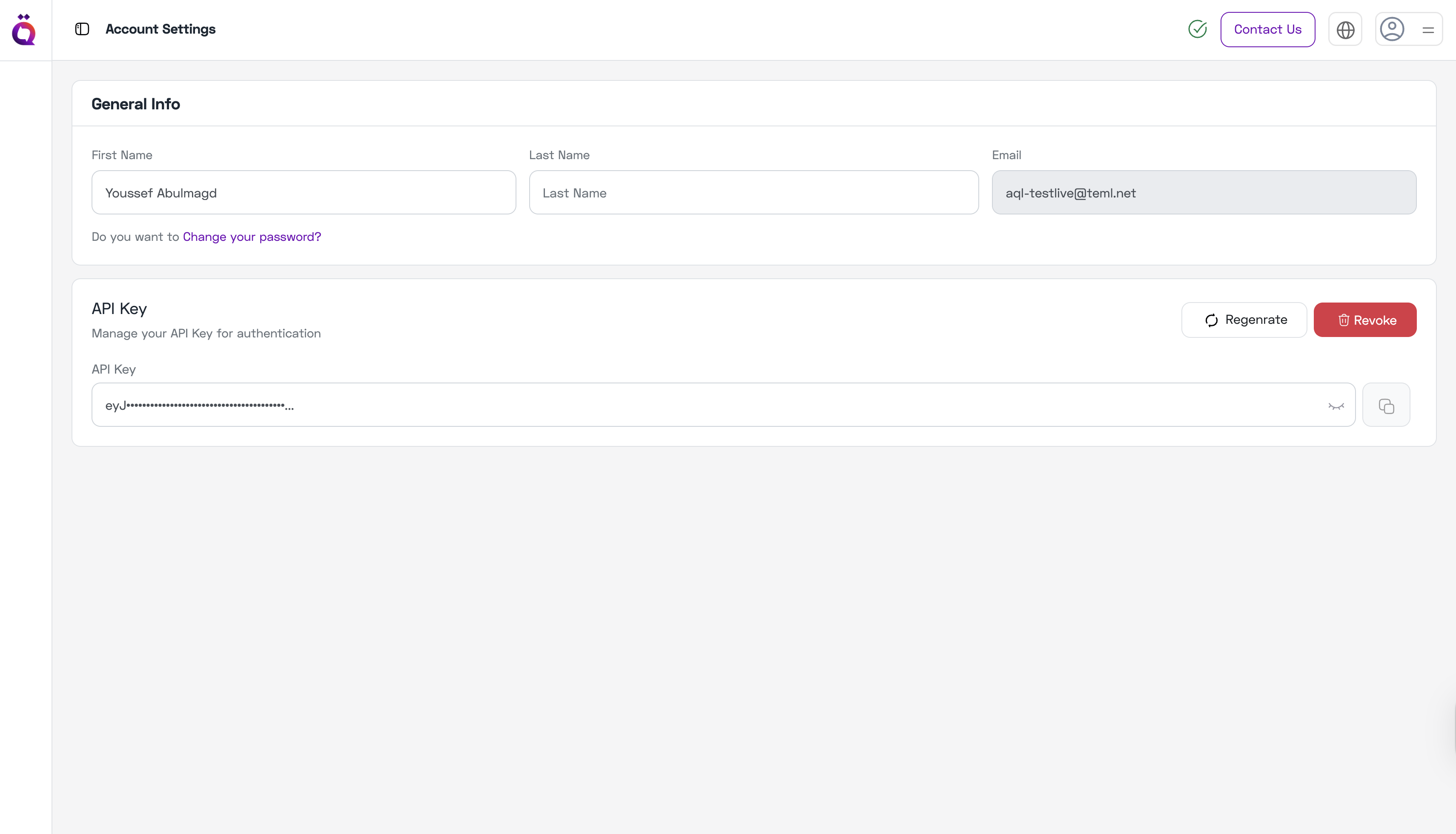
- Generate a new API key from the Account Settings.
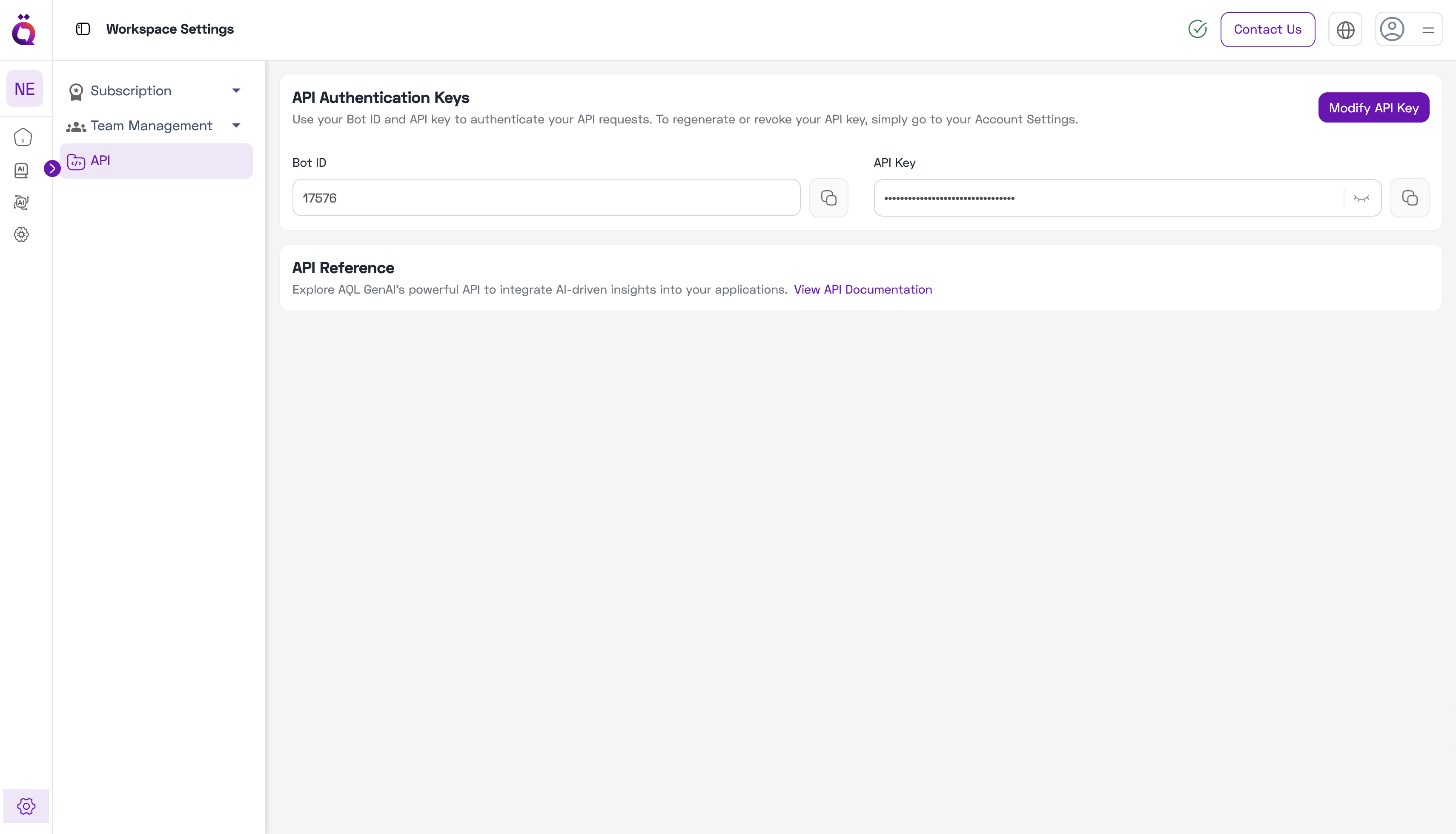
- Return to Workspace Settings → APIs to see your API key displayed.
Using Your Credentials
Once you have your Bot ID and API Key:- Use them to authenticate API requests to AQL services.
- See the API Reference for integration details.
- Rotate your API key regularly for security.