> ## Documentation Index
> Fetch the complete documentation index at: https://doc.widebot.sa/llms.txt
> Use this file to discover all available pages before exploring further.
# Quickstart
This is the shortest path to get started with **AQL**: create an account, create a workspace, start a free trial or buy a subscription, then try AI features.
Estimated time: 5–10 minutes
* **Sign in / Sign up** with **Facebook**, **Google**, or **Email + Phone**.
* Complete any verification steps if prompted.
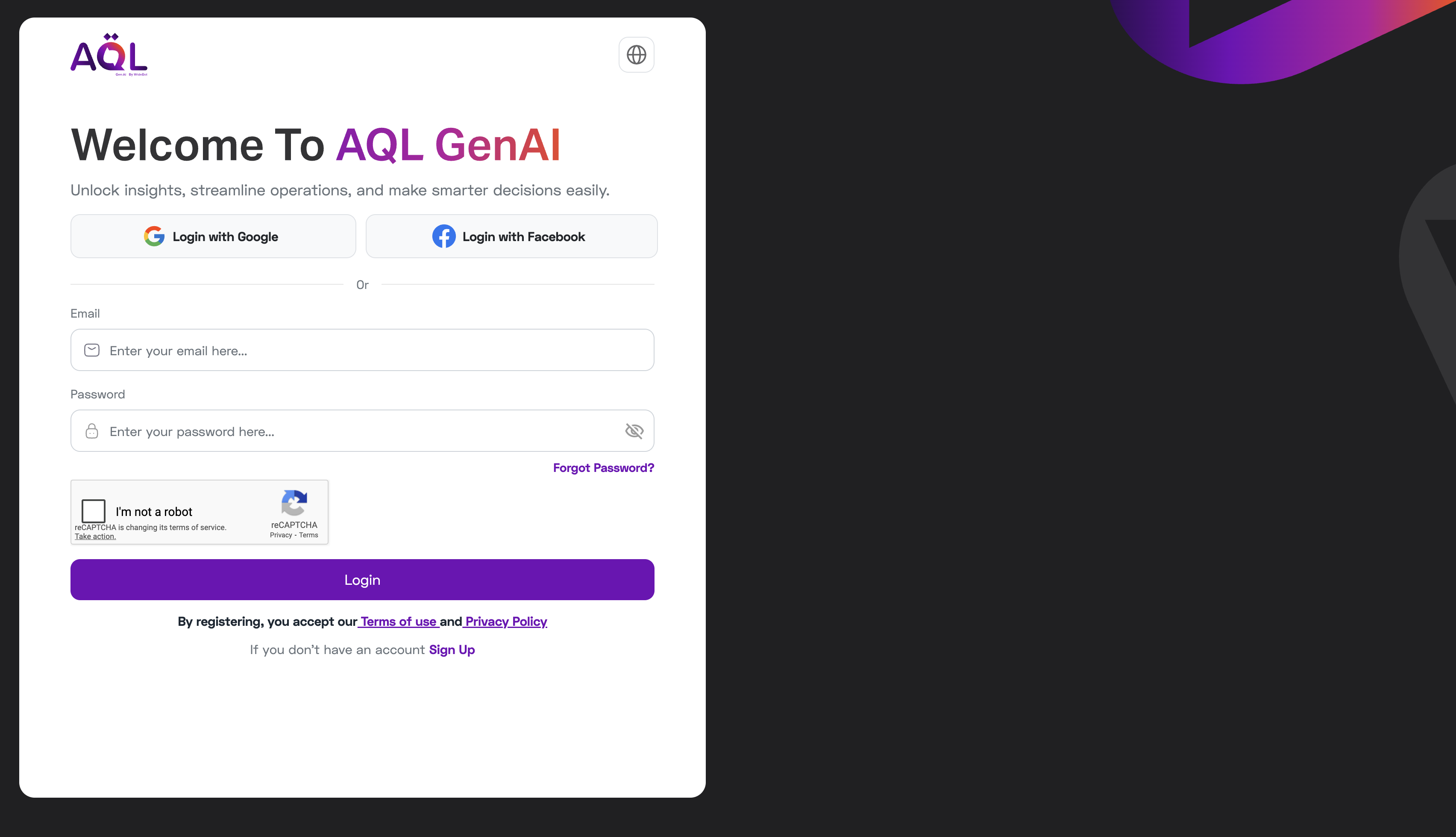 Use a work email for better account management.
You can access the dashboard and see the Workspaces list.
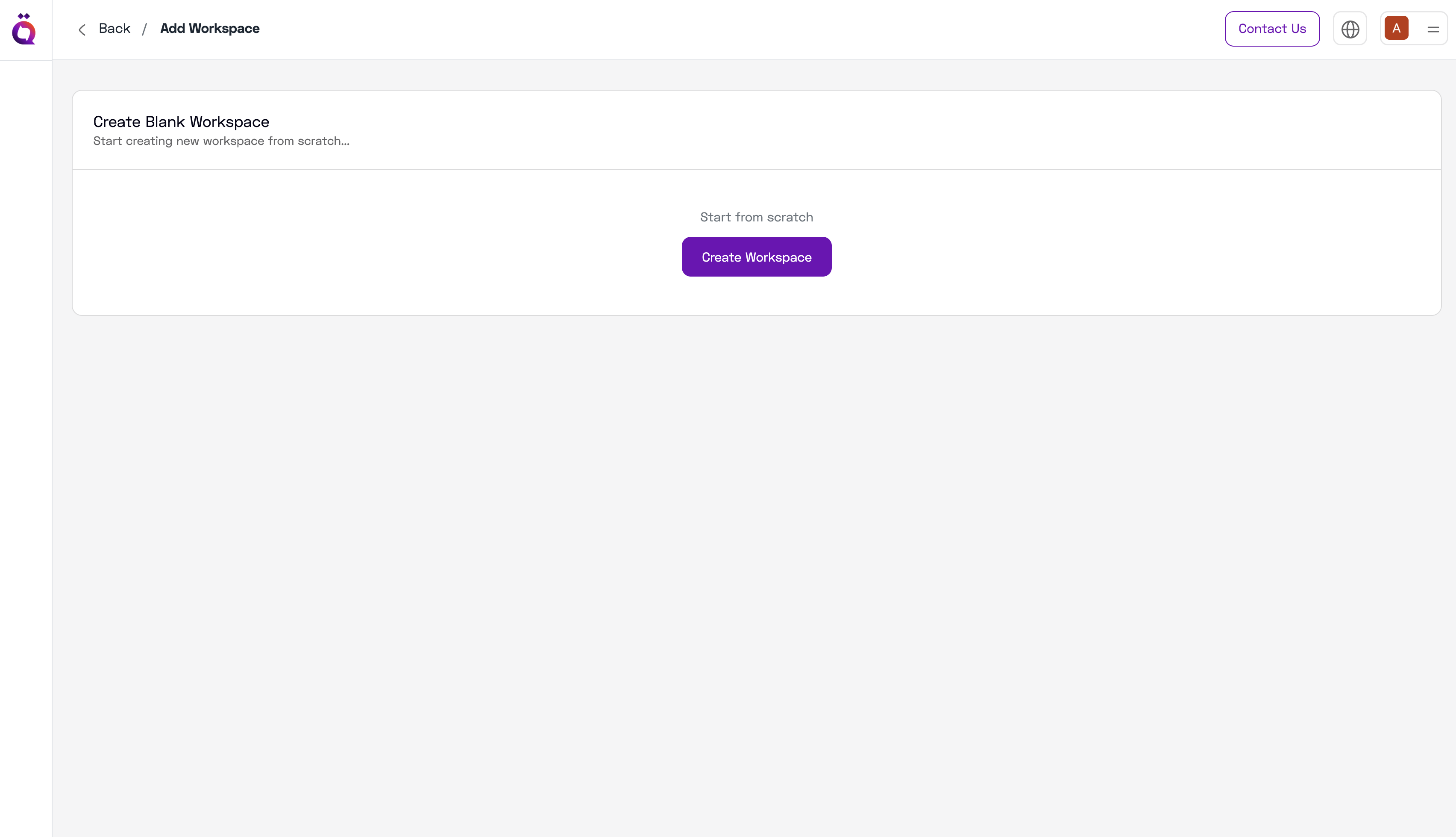
* On entry, you'll see the option to **Create a new workspace**.
* Create a workspace and **Start Free Trial** or **Buy Subscription**.
Use a work email for better account management.
You can access the dashboard and see the Workspaces list.
* On entry, you'll see the option to **Create a new workspace**.
* Create a workspace and **Start Free Trial** or **Buy Subscription**.
 Trials include token limits suitable for initial evaluation.
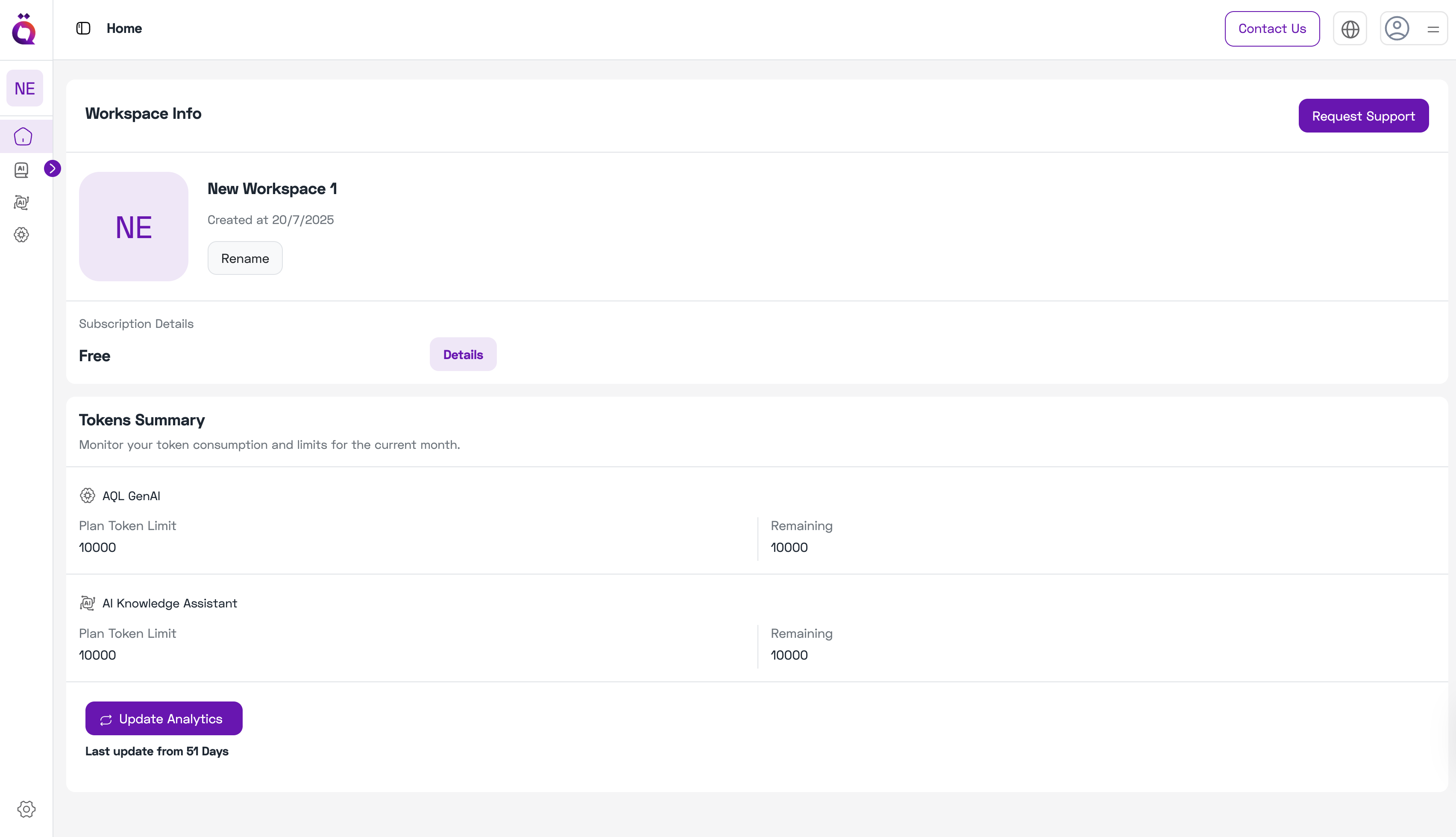
* **Workspace name** at the top.
* **Subscription details** (plan & renewal).
* **Tokens summary** used by **AQL GenAI** and **AI Knowledge Assistant**.
Trials include token limits suitable for initial evaluation.
* **Workspace name** at the top.
* **Subscription details** (plan & renewal).
* **Tokens summary** used by **AQL GenAI** and **AI Knowledge Assistant**.
 * **AI Knowledge:** upload a few FAQs, index, then ask questions.
* **AI Knowledge Assistant:** ask a policy or product question; check citations.
* **AQL GenAI:** try a simple prompt and a streaming response.
* **AI Knowledge:** upload a few FAQs, index, then ask questions.
* **AI Knowledge Assistant:** ask a policy or product question; check citations.
* **AQL GenAI:** try a simple prompt and a streaming response.